
Strict or poorly scoped Intune compliance policies can quietly drive staff to use personal devices and shadow IT, reducing visibility and increasing business risk. Instead of improving security, the business may end up with less control than before.
Picture a staff member whose laptop fails a minor compliance check five minutes before a client call. Blocked from the company network, they grab their personal phone, send the file through a private messaging app, and the call goes ahead—except now the data has left managed territory entirely.
This is the quiet risk sitting inside many Microsoft Intune deployments.
Intune is built to block access when a device does not meet set compliance requirements, and that is precisely the point of the system. Yet the same rule that keeps a compromised device out can just as easily lock out a legitimate one over something trivial, and when that happens, the gap between what IT expects and how people actually work starts to show. Staff who find their managed device too restrictive tend not to wait for a fix; they look for whatever gets the job done fastest.
That search usually ends on a personal phone or laptop, especially when policies are broad or poorly explained. Because the shift happens quietly, few organisations notice it in the moment, but the slow drift costs them visibility and control over where their data actually lives. Security tightens on paper while risk grows in practice.
So the technology is rarely the problem on its own—how the policies around it are configured matters just as much.

Why compliance policies shape staff behaviour
Compliance policies in tools like Intune exist to protect sensitive information and enforce consistent security standards. Still, the exact wording and scope of those rules can shape day-to-day technology use far more than most IT teams expect.
A policy that is too strict, or not tailored to how a team actually operates, can make ordinary tasks harder than they need to be. If a device gets blocked from work email over a missed minor update, for instance, a staff member may simply switch to a personal phone to stay on top of messages. That is rarely rebellion—it is usually just the fastest route back to work.
Repeated often enough, that detour becomes habit. Staff lean on personal devices for more tasks over time, and as they do, IT loses track of where company data is actually going. The visibility slips away, and with it, the original goal of keeping that data safe.
How shadow IT grows from overlooked policy gaps
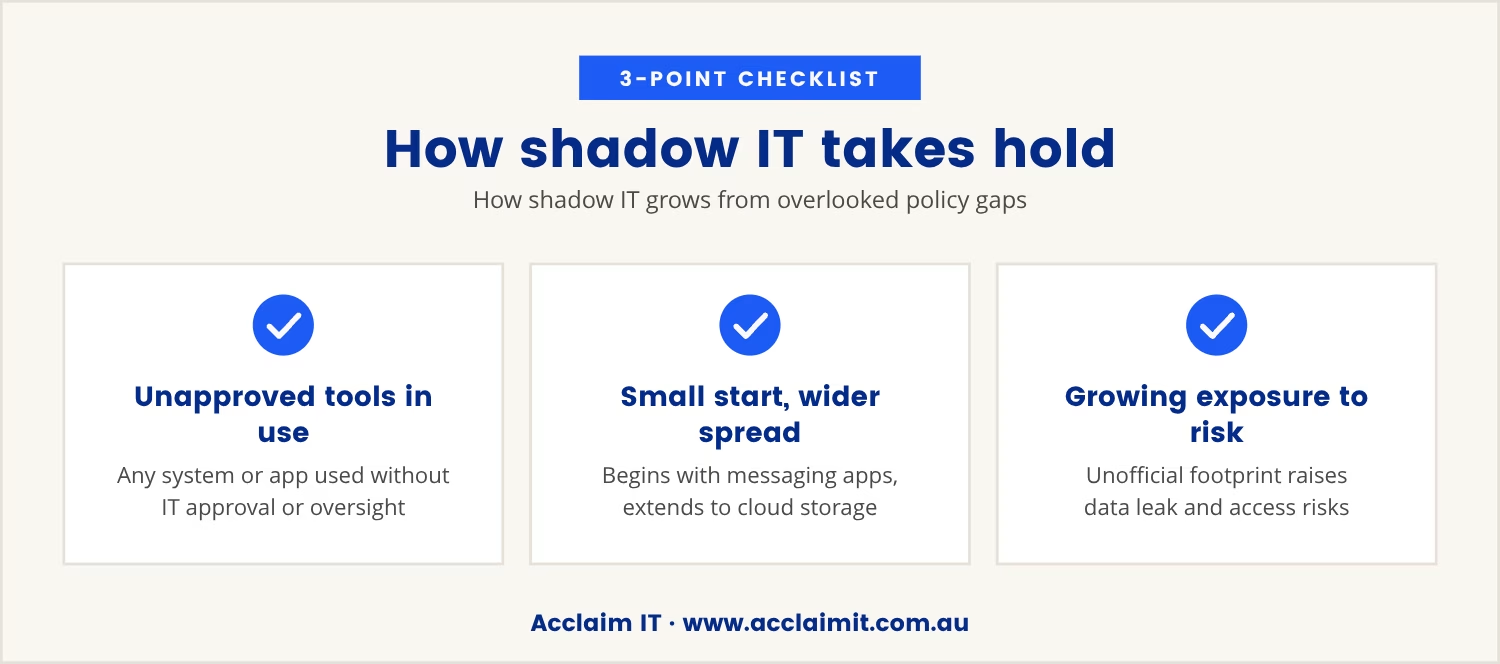
Shadow IT means any system, device, or application in use without official approval or oversight from IT. It tends to take root when the sanctioned tools feel too slow, too limited, or simply too hard to work with.
Within Intune, a compliance policy that is not scoped to match real working patterns can push staff toward their own devices or third-party apps without IT ever being told. That drift might start with a messaging app and extend to a cloud storage platform, and the more confusing or restrictive the official rules feel, the faster staff look elsewhere for a workaround.
As that unofficial footprint grows, so does the exposure to data leaks, unauthorised access and compliance failures. Each one chips away at the business's ability to monitor and secure sensitive information, which in turn makes it harder to respond to a threat or satisfy a regulator when the question eventually comes.
Microsoft Intune and the hidden risks for Melbourne businesses
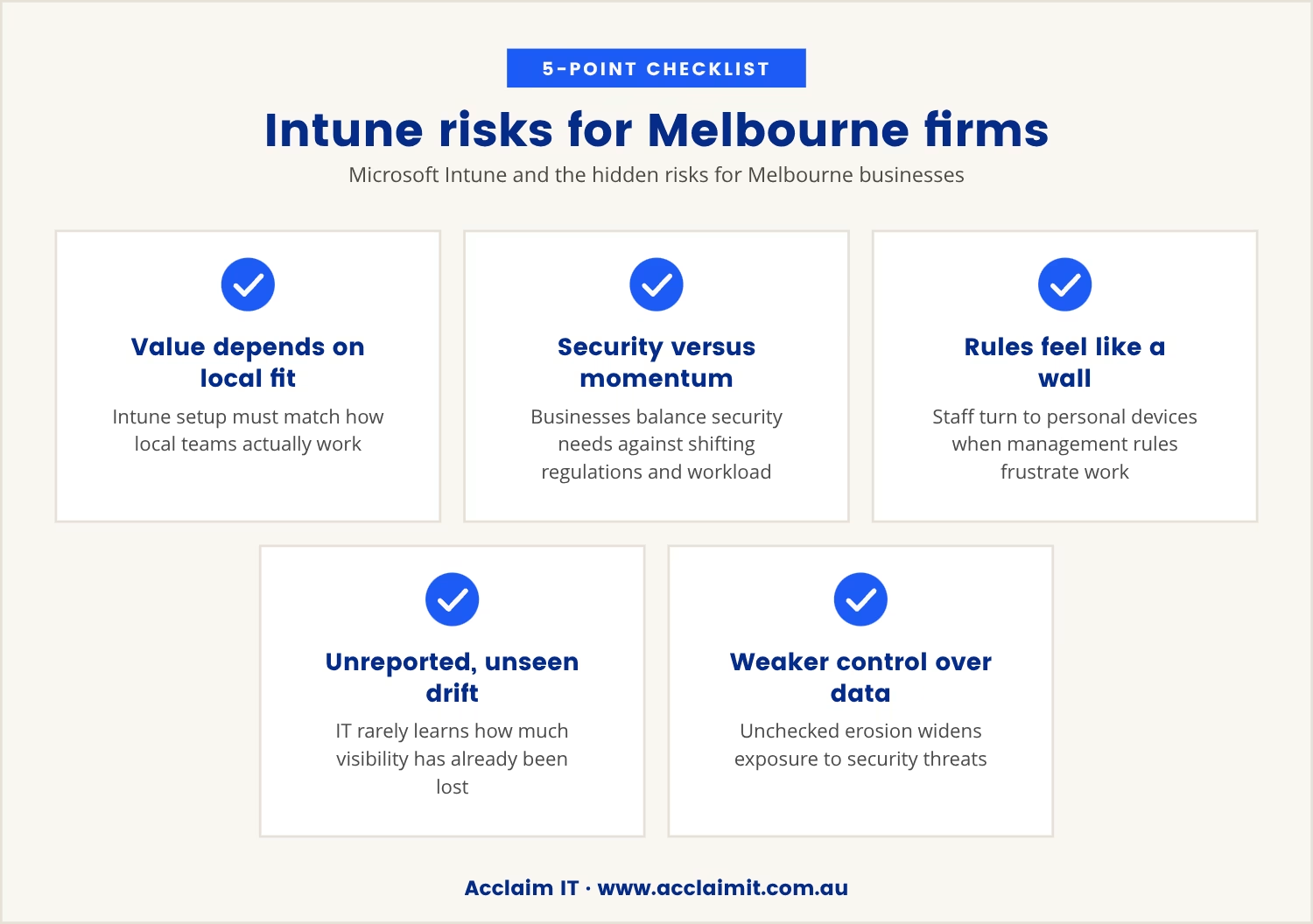
Melbourne businesses stand to gain real value from Microsoft Intune, provided the setup accounts for how local teams actually operate. Where that local context gets missed, though, poorly scoped compliance policies tend to hide their risks until something already needs fixing.
Like most organisations, Melbourne businesses juggle security demands against the need to keep work moving, all while regulations keep shifting underfoot. When device management rules start to feel like a wall rather than a safeguard, staff quietly reach for personal devices or unapproved apps to keep pace with their workload. Because this shift rarely gets reported, IT teams often have no clear sense of how much ground they have already lost.
Left unchecked, that erosion leaves the business with thinner control over its own data and wider exposure to security threats. The policies meant to build a secure, cloud-based workplace end up working against that very goal.
Where compliance policies quietly drive shadow IT
Even carefully designed compliance policies can carry side effects that are easy to overlook. The patterns below show how well-meant rules end up pushing staff toward shadow IT.
Overly broad device restrictions
Blocking entire categories of devices, rather than targeting the specific risk at hand, often pushes staff toward personal devices that sit outside any monitoring.
Unclear communication about requirements
When staff are not told clearly what compliance demands of them, confusion sets in fast, and reaching for another tool becomes the easier path around the delay.
Delays in device approval or updates
A slow approval queue or a mandatory update that will not wait can push someone with an urgent task straight onto their own device.
Lack of support for different operating systems
Policies built around only certain platforms leave macOS or iOS users looking for personal hardware to work around the gap.
Inflexible application management
A narrow list of approved apps sends employees looking for easier, more familiar alternatives, often well outside anything IT can see.
Signs your organisation is losing visibility
The shift to personal devices or shadow IT rarely announces itself. These are the signals worth watching for.
- Unexpected drops in managed device usage: Fewer logins or less activity on company-managed hardware can point to a quiet move toward personal devices.
- Increase in support requests for access issues: A rise in staff asking for help with blocked devices or apps often means the compliance policy is too tight.
- Unexplained data gaps: Missing logs or incomplete audit trails suggest work is happening outside the systems IT can see.
- Growth in unsanctioned app usage: Staff reaching for apps IT never approved is a clear sign the official tools are not meeting a real need.
- Frequent policy exceptions: Constant requests for exceptions or rule changes signal that the current settings do not fit how people actually work.
Balancing security and productivity in device management
Getting the balance right between security and productivity is a genuine challenge, and leaning too far either way creates its own cost. Overly strict compliance slows staff down, while too little control leaves the business exposed.
The fix lies in scoping compliance policies around how the organisation genuinely works, which means identifying which devices and applications actually matter and where some flexibility can be afforded. Allowing secure access from a wider range of devices, for example, can keep people productive without handing over control of the data.
Regular reviews of device management settings catch gaps before they turn into problems, and bringing staff into that review process often surfaces exactly where the friction—and the workarounds—are coming from.
What to do when visibility is already lost
Suspecting that shadow IT has already taken hold is not the same as being too late to fix it. Begin by reviewing the compliance policies and device management settings currently in place, checking for rules that are broader or stricter than the situation calls for.
From there, talk to staff directly about where the official tools are falling short of their needs, since that conversation often reveals adjustments that restore productivity without giving up security. Advanced analytics can add another layer here, surfacing device-usage trends that hint at a quiet shift toward personal hardware.
Policy changes grounded in how people actually work tend to rebuild trust, and that trust is what brings staff back to managed systems voluntarily. Visibility returns, risk eases, and the business lands back on its original security footing.

How we help businesses regain control over device management
Many businesses with 20 to 100 users find themselves with less visibility and more risk after rolling out device management tools like Intune. At Acclaim IT, we understand how easy it is for compliance policies to quietly push staff toward personal devices and shadow IT.
If you want to see how we approach this problem or want a conversation about your own setup, our team is ready to help you find a better balance between security and productivity.
Ready to reduce risk and regain visibility?
Get your onboarding fees waived and a 90-day satisfaction guarantee when you qualify as a new business client—making it easier to address device management challenges.
Frequently asked questions
How can I tell if staff is using personal devices for work?
Watch for a drop in activity on managed devices, a rise in support requests about access issues, or missing audit logs where records should exist. Reviewing device management reports on a regular basis makes these patterns far easier to catch early.
What steps can I take to reduce shadow IT in my organisation?
Review compliance policies to confirm they are practical and clearly explained to everyone affected. Bring staff into the conversation about what they need to stay productive, consider allowing secure access from a broader range of devices, and keep training and communication open so shadow IT loses its appeal.
Does Intune for small business have different risks than larger organisations?
Small businesses often run with fewer IT resources and simpler device management setups, which can leave them more exposed to shadow IT when policies are not carefully scoped. With the right configuration, though, Intune for small business can still deliver strong security and clear visibility.
Can advanced analytics help detect shadow IT?
Yes. Advanced analytics can surface patterns in device usage and flag unusual activity that points to personal devices or unapproved apps in play, giving IT teams solid grounds for adjusting policy and tightening endpoint security.
How often should I review my device management policies?
Reviewing policies at least once a year is a sound baseline, with an extra look whenever working patterns shift significantly. Regular reviews keep policies aligned with how the business actually operates and stop them from quietly pushing staff toward shadow IT.